Agentic AI Hermes advanced setup: use cases and dashboard.

Leave with a Hermes dashboard configured, and an agent sandboxed with scoped permissions.

Date
Wednesday, 11 November 2026
Time
1:00 pm to 4:30 pm (MYT)
Location
Partner
Build Club

Please install Hermes before the session, because we start at the dashboard. See the setup steps

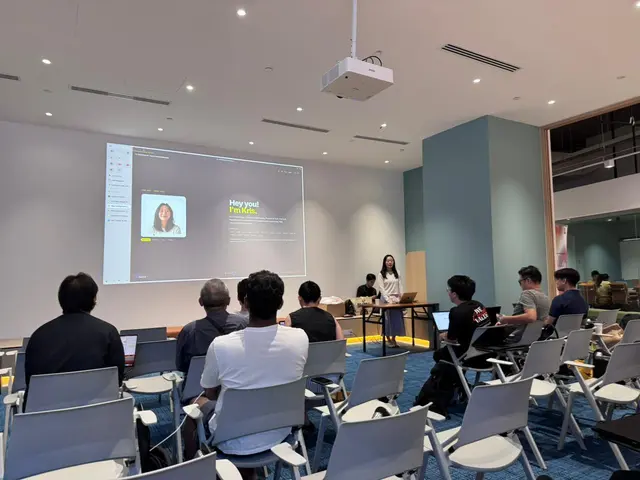
Attendees seated in rows facing a presenter and a projected screen at a past workshop

What we’ll cover

Hermes Agent

  • Dashboard setup end to end: MCP catalog, credentials, memory, gateway controls.
  • Channels: Telegram and Discord.
  • Which model for which job, and what each costs per run.

Skills and permissions

  • How AgentSkills load, and writing one the agent reuses unprompted.
  • Installing from ClawHub safely, because every third-party skill is untrusted code.
  • Scoping what the agent can touch before you grant access.

Security

  • Password auth is for trusted networks only. Anything remote needs OAuth or a VPN.
  • Protecting keys, credentials and confidential data the agent can reach.
  • Spotting manipulative instructions, and checking output before you rely on it.
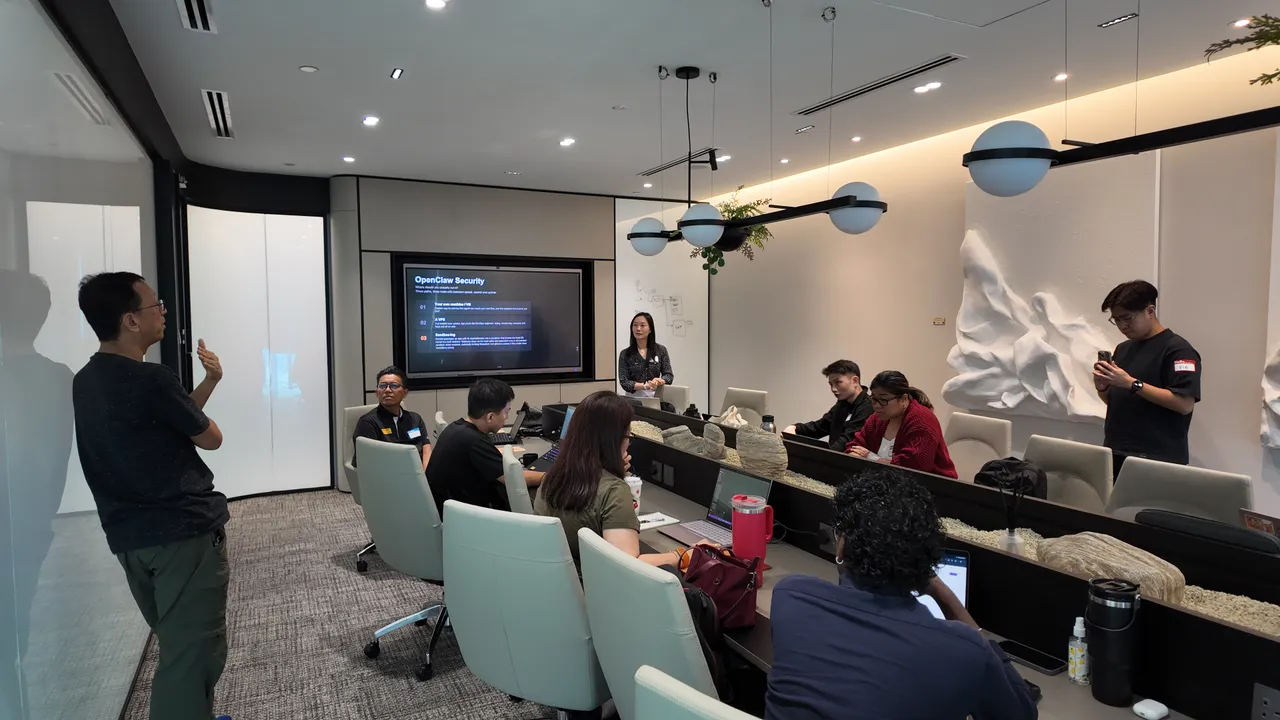
A presenter beside a screen titled OpenClaw Security, with attendees and laptops around a long table and one person standing to speak

Better output

  • Structuring instructions so the agent stops guessing.
  • One admin workflow end to end, trigger to output, unattended.
  • Email filtering, task planning, delegation, and when agentic AI is the wrong call.

How it fits together

  1. Your channels

    Talk to the agent where you already are.

    • Telegram
    • Discord
  2. Hermes dashboard

    Where you set it up and control it.

    • MCP catalog
    • Credentials
    • Memory
    • Gateway controls
  3. Skills and permissions

    What the agent can do, and what it can touch.

    • AgentSkills
    • Tool permissions
  4. Your model

    Which model for which job, and what each costs per run. Any provider works.

Who this is for

Come if you

  • Have run an agent already and hit the ceiling
  • Want to stop prompting one at a time and start running agents as a system that earns
  • Are ready to give an agent real permissions and want to do it safely

Skip it if

You have never installed an agent. This will move too fast.

Before you arrive

We start at the dashboard. Installing in the room means spending the session catching up.

  1. Install Hermes

    macOS, Linux or WSL2:

    curl -fsSL https://hermes-agent.nousresearch.com/install.sh | bash

    Windows (PowerShell):

    iex (irm https://hermes-agent.nousresearch.com/install.ps1)
  2. Confirm the dashboard opens

    hermes dashboard

    It should load at http://127.0.0.1:9119. Stuck? Read the Hermes docs.

  3. Sort out model access

    An API key or an existing Claude or OpenAI subscription. Any provider works.

Bring

A laptop, a charger, and one workflow you would hand to a junior hire tomorrow if you could afford one.

Four ways to run it, ranked

You are giving this agent real permissions and a budget. Decide how much of your machine it can reach.

  1. Recommended

    1. Docker

    Keeps the agent away from your filesystem. A bad instruction kills a container, not your documents.

  2. 2. A virtual machine

    Strongest isolation, heavier to run. Good for testing skills you did not write.

  3. 3. A VPS

    For agents that run around the clock. Use OAuth on the dashboard, never a password.

  4. 4. Your bare laptop

    Fastest and least safe. Use a throwaway account, not your daily one.

Not sure? Install Docker. We sandbox together in the first fifteen minutes.

From past workshops

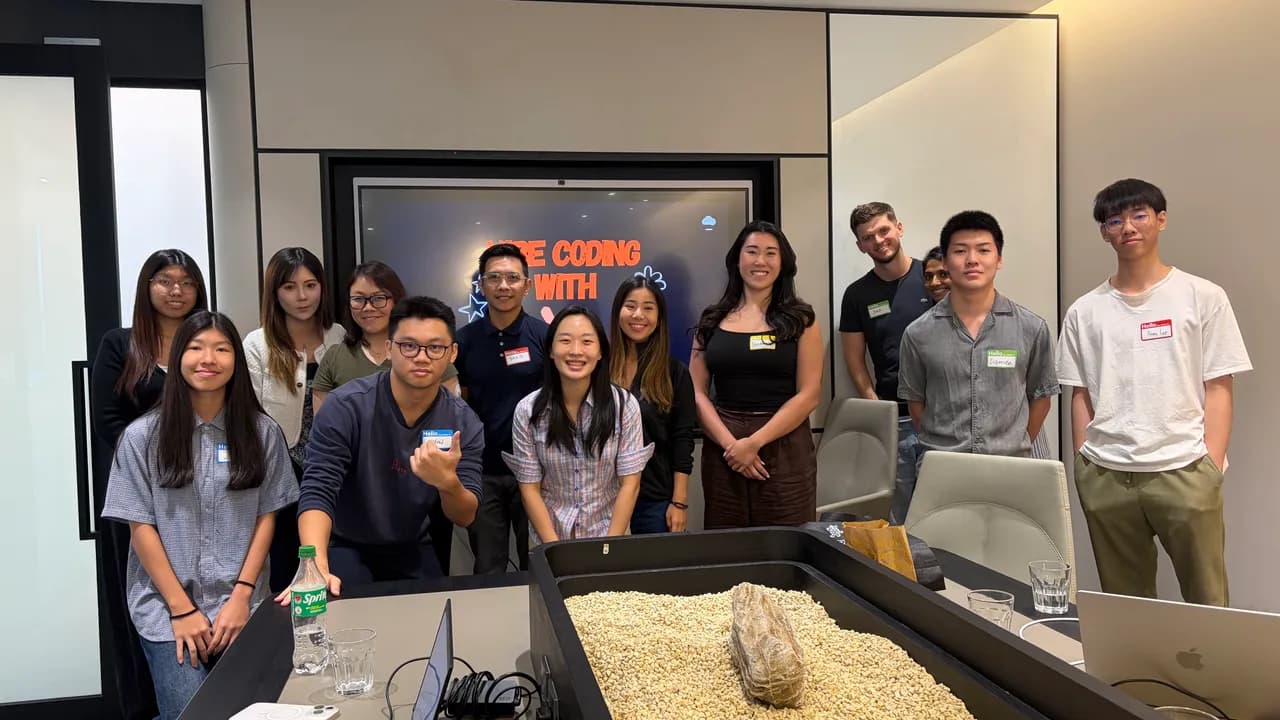
Workshop attendees wearing name badges, posing together in front of a screen

Get your ticket

Pay securely with Stripe. Virtual Pass join links go out by email.